
Free Fast images. No sign-up to try.
Vidwud Face Swap
A practical look at Vidwud—photo and video face swap, free vs paid limits, and when RenderPop is a better browser fit for face swap plus free daily AI images.
RenderPop example
Photo face swap in the browser
Same job people open Vidwud for: pick a source face and a target photo, then generate a swap online. RenderPop also offers video face swap and free daily Fast images when you need more than one-off swaps.
Only use faces and photos you have the right to publish. Do not create non-consensual deepfakes.
Open photo face swap →

Summary
What is Vidwud—and when is RenderPop a better fit?
Vidwud (vidwud.com) is a browser AI face-swap site for photos, videos, and GIFs—plus related tools such as multi-face and head swap. Marketing pages often stress free use and no watermark; its pricing page still lists credit costs for photo and video swaps and paid plans. People look for alternatives when free capacity feels limited, paid credits run out quickly, or they want face swap inside a broader AI image and video studio. RenderPop is a practical option if you want browser photo and video face swap, free daily Fast AI images, and a simple still → motion path—not a clone of every Vidwud multi-face or niche generator page.
What is Vidwud (vidwud.com)?
Vidwud is a web-based AI media brand best known for face swap: upload a source face and a target photo or video, then generate a swapped still or clip in the browser—no desktop install required. Product pages also cover multi-face group swaps, head swap, GIF swap, and other short creative tools (for example kiss-style video generators). The audience is casual creators, social posters, and anyone who wants a quick face change without a local deepfake install. It is not a full NLE editor; the product is built around upload → swap → download style jobs.
Core features of Vidwud
Photo face swap
Replace one or more faces in a still image. Multi-face and group-photo flows are a common reason people land on Vidwud from search.
Video and GIF face swap
Swap faces across frames of a short video or GIF. Length, face count, and quality often depend on free limits vs paid credits.
Related creative tools
Beyond classic face swap, the site markets head swap and other short AI video/image toys under the same account and credit system.
Browser-only workflow
No local GPU app required for the main path: upload from phone or desktop, process in the cloud, download when ready.
Where Vidwud shines
Face-swap-first product surface
Landing pages and tools are optimized around swap jobs—easy to understand if that is the only task you care about.
Photo + video + multi-face scope
Useful when you need group photos or short clips, not only single-face stills.
Low install friction
Web upload path works for users who refuse desktop deepfake software or app-store installs.
Where Vidwud falls short
“100% free” vs credit pricing
Tool pages often say no subscription or credits; pricing tables still charge credits per photo/video swap and mark free-plan tools as limited. Check the live pricing page before you rely on unlimited free use.
Paid credit burn on video
Video and multi-face jobs can consume several credits per run. Light monthly packs feel tight for heavy video testing.
Quality and edge cases
Like most consumer face-swap AIs, hard angles, motion blur, hands-over-face, and extreme lighting can break realism.
Narrow studio beyond swap toys
If you also need free daily text-to-image, image-to-video, or motion-control dance clips in one workspace, a face-swap-only stack is incomplete.
Vidwud vs RenderPop
Neither tool wins every row. Vidwud is face-swap-first with multi-face product pages; RenderPop pairs photo/video face swap with free daily AI images and a broader browser studio.
| Workflow need | Vidwud (vidwud.com) | RenderPop |
|---|---|---|
| Photo face swap | ✓Core product — still image face swap in browser | ✓Dedicated photo face swap tool in the browser |
| Video face swap | Supported; often credit-gated on paid or limited free tiers | ✓Video face swap path with account and credits |
| Multi-face / group photo tools | ✓Dedicated multi-face landing pages and flows | Standard face-swap flows; not a multi-face specialty brand |
| Free daily AI images (text / photo) | Not the primary product (swap-focused site) | ✓One no-sign-up Fast image; daily Fast quota after sign-in |
| Still → motion after you lock a face/look | Video swap if you already have footage; not a full image-to-video studio | ✓Generate or polish a still, then image-to-video with credits |
| Pricing clarity for face swap | Marketing “free” claims can conflict with credit tables—verify before heavy use | ✓Face swap and video use credits after sign-in; Fast images show free daily allowance |
| Broader creator toolkit | Face swap + related short AI toys under one brand | ✓Images, face swap, text/image-to-video, headshots, dance/motion control |
| Best for | Quick browser face swap on photos/video/GIF, multi-face experiments | Face swap plus free daily images and simple still → video workflows |
Which one fits your workflow?
Choose Vidwud when you need:
- A face-swap-only site with multi-face and related niche tool pages
- GIF or multi-person swap experiments as the main job
- To stay on a brand you already know for upload → swap → download
- Head-swap or other Vidwud-specific micro-tools you already use
Choose RenderPop when you need:
- Browser photo face swap and a clear path to video face swap
- One no-sign-up Fast image, then daily Fast images with a free account
- One studio for stills, face swap, image-to-video, and motion-control clips
- Transparent free vs paid: Fast daily images first; credits for face swap video and Pro tools
Bottom line
Pick Vidwud when you only want a dedicated face-swap site and its multi-face / niche swap pages. Pick RenderPop when face swap should live next to free daily AI images and a simple browser path from stills to short video. Always use only faces and footage you have rights to—on either product.
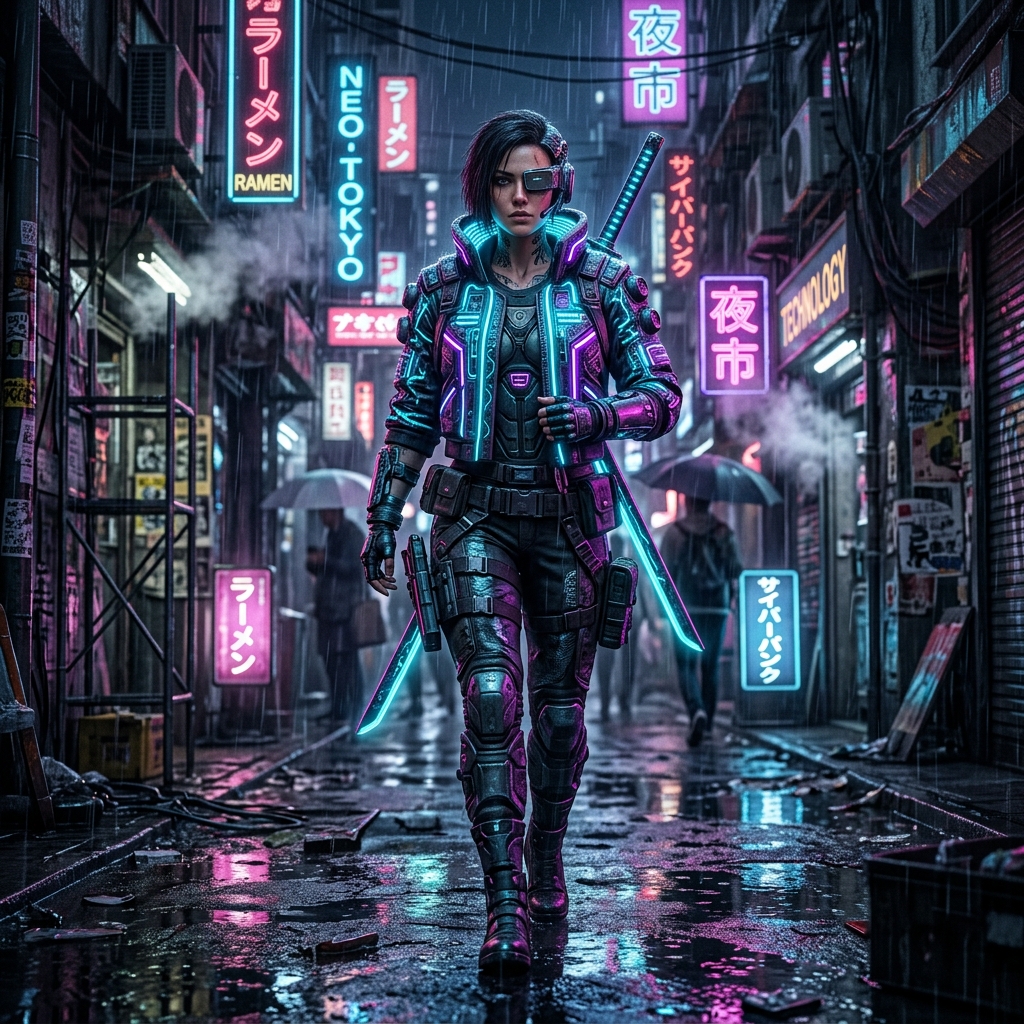
Face-swap style sample pairs
Representative source/target showcase pairs from RenderPop’s face-swap gallery—illustrative of the photo workflow, not a promise of identical output every run.


Try RenderPop face swap in three steps
Open Face Swap
Go to the photo face swap tool in your browser—no desktop install. Use the video face swap page when you need motion.
Upload face + target
Add a clear source face and the photo (or video) you are allowed to edit. Better lighting and frontal faces improve results.
Generate and export
Run the swap, review the result, and download when you are happy. Sign in and use credits when the flow requires them—then explore free daily images if you need new stills.
When RenderPop is a better fit than Vidwud
Face swap + free daily images
Swap faces when that is the job—and still get a refreshed Fast allowance for AI images without living on a swap-only site.
Photo and video swap paths
Dedicated photo face swap and video face swap pages, plus image-to-video when you want motion without a pre-shot clip.
One browser studio
Images, face swap, headshots, and short video tools under one account instead of bouncing between single-purpose free sites.
Clearer free vs paid line
Fast free daily try for images; credits after sign-in for face-swap video and other Pro tools. See Pricing for current plans.
Frequently asked questions
About Vidwud, face swap free tiers, safety, and when RenderPop is a better fit.
- What is Vidwud?
- Vidwud is an online AI face-swap service at vidwud.com. Users upload a face and a target photo, video, or GIF to generate a swapped result in the browser. The brand also markets multi-face, head swap, and related short creative tools.
- Is Vidwud safe to use?
- Treat Vidwud like any cloud face-swap site: you upload media to third-party servers. Use only images and video you have rights to, avoid non-consensual deepfakes, and read the site’s privacy and terms. Prefer the official domain; lookalikes and third-party apps may not be the same product.
- Is Vidwud face swap free?
- Partly. Marketing pages often claim free face swap with no subscription or credits, while pricing pages list credit costs for photo and video swaps and limited free-plan access. Expect some free capacity and paywalls for heavier photo/video use—always check the current Vidwud pricing page.
- Does Vidwud support video face swap?
- Yes. Video and GIF face swap are part of the product story. Video jobs usually cost more credits (or free quota) than a simple still, and max length or face count can depend on the plan.
- Why do people look for a Vidwud alternative?
- Common reasons include unclear free vs paid limits, credit burn on video/multi-face, uneven quality on hard shots, and wanting face swap inside a broader AI image/video studio with free daily image generation.
- Is RenderPop a free alternative to Vidwud?
- For AI images, RenderPop offers one free Fast generation without signing up, while free accounts receive one Fast image each day after sign-in. Photo and video face swap are browser tools that may require sign-in and credits depending on the flow—see the Face Swap pages and Pricing. RenderPop is not a 1:1 clone of every Vidwud multi-face landing page.
- When should I use RenderPop instead of Vidwud?
- Use RenderPop when you want face swap plus free daily AI images, image-to-video, or other studio tools in one place. Stay on Vidwud if you only need its specific multi-face or niche swap pages and already like that workflow.
- Can I do face swap on photos and video with RenderPop?
- Yes. RenderPop has a photo face swap tool and a video face swap path. Only upload media you are authorized to use, and follow local laws and platform rules for deepfake-style content.
More AI tools on RenderPop
Related workflows:
Face Swap Online→
Swap faces in photos with a browser-based AI face swap tool.
Face Swap Video→
Apply face swap to video clips with credits after sign-in.
AI Image Generator→
Free Fast text-to-image and photo-guided generation daily.
Image to Video→
Animate a still photo or AI image into a short motion clip.
Pricing & Plans→
Daily free Fast details and Pro credit options.
Try face swap on RenderPop
Open photo face swap in your browser—or start with free daily Fast AI images, then move to video tools when you need motion.
